
Download Extension
SynapseMind Extension
Version 1.0.0
This extension is for generating summaries and mindmaps without writing any prompt which saves the time of the user.
Installation Steps
Download the ZIP file
Click the download button above and save the ZIP file to your computer.
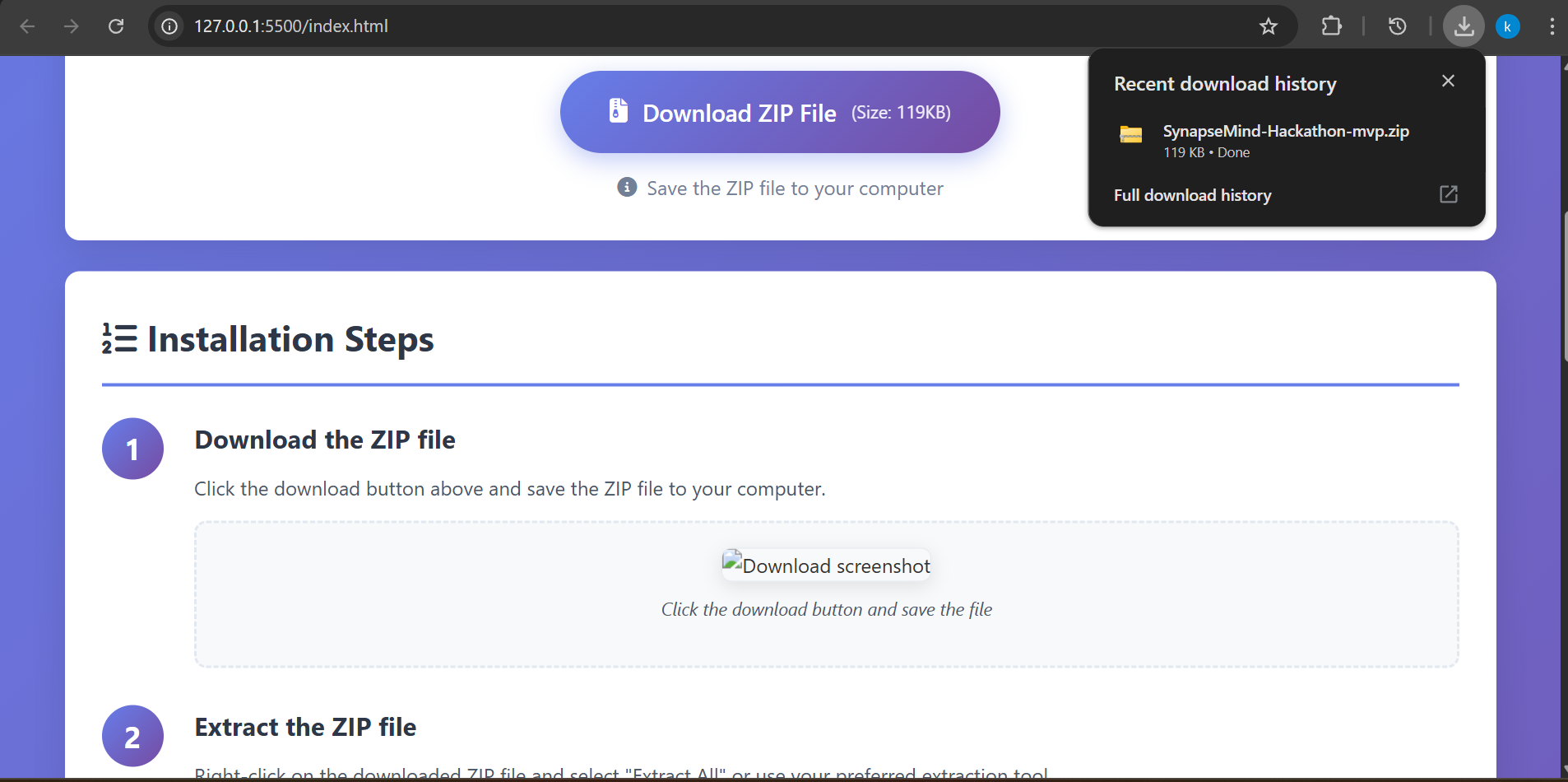
Click the download button and save the file
Extract the ZIP file
Right-click on the downloaded ZIP file and select "Extract All" or use your preferred extraction tool.
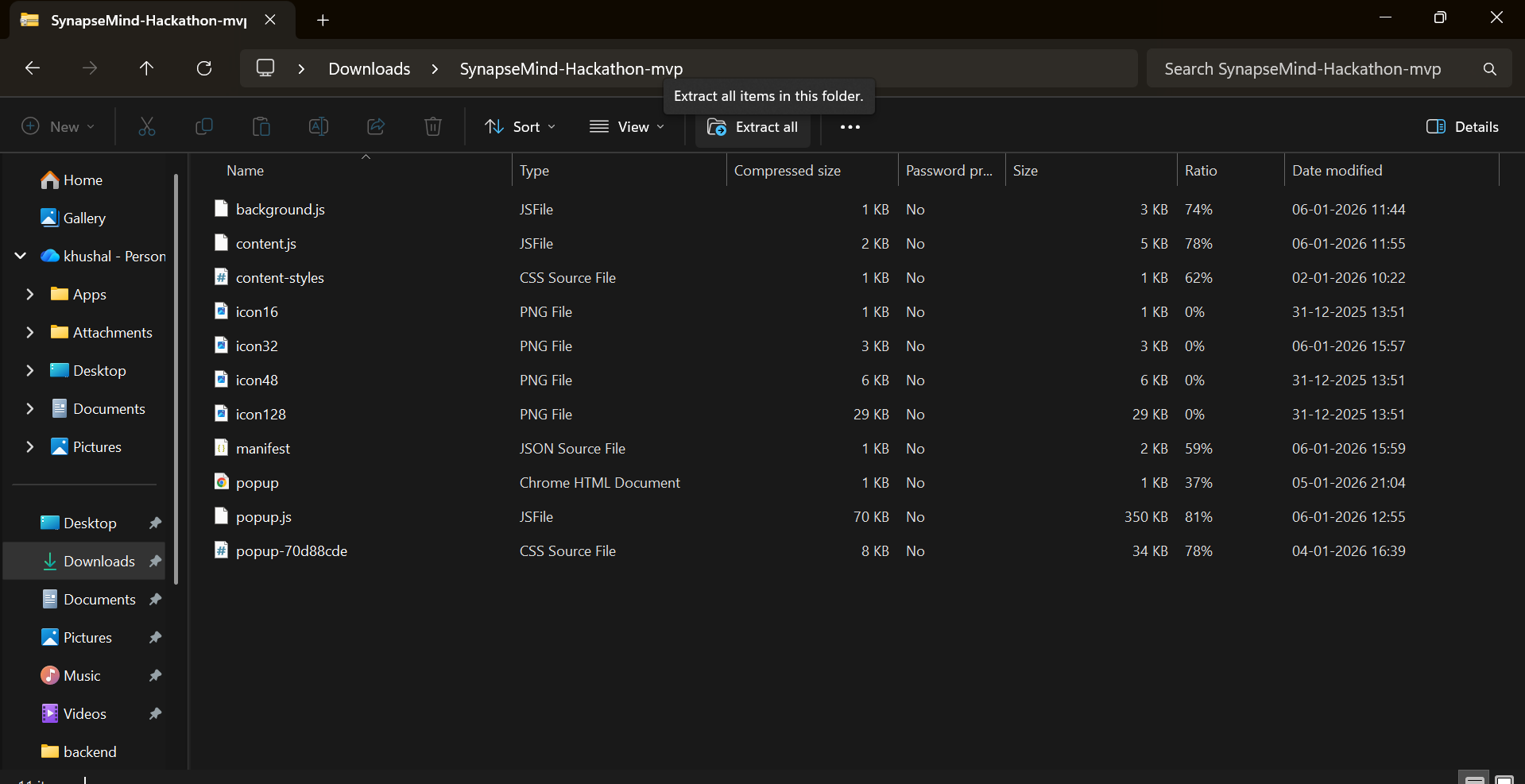
Extract the contents to a folder
Open Chrome Extensions
In Chrome browser, go to: chrome://extensions/ or click on the three dots menu → More tools → Extensions.
Enable Developer Mode by toggling the switch in the top right corner.
Load Unpacked Extension
Click the "Load unpacked" button and select the extracted folder.
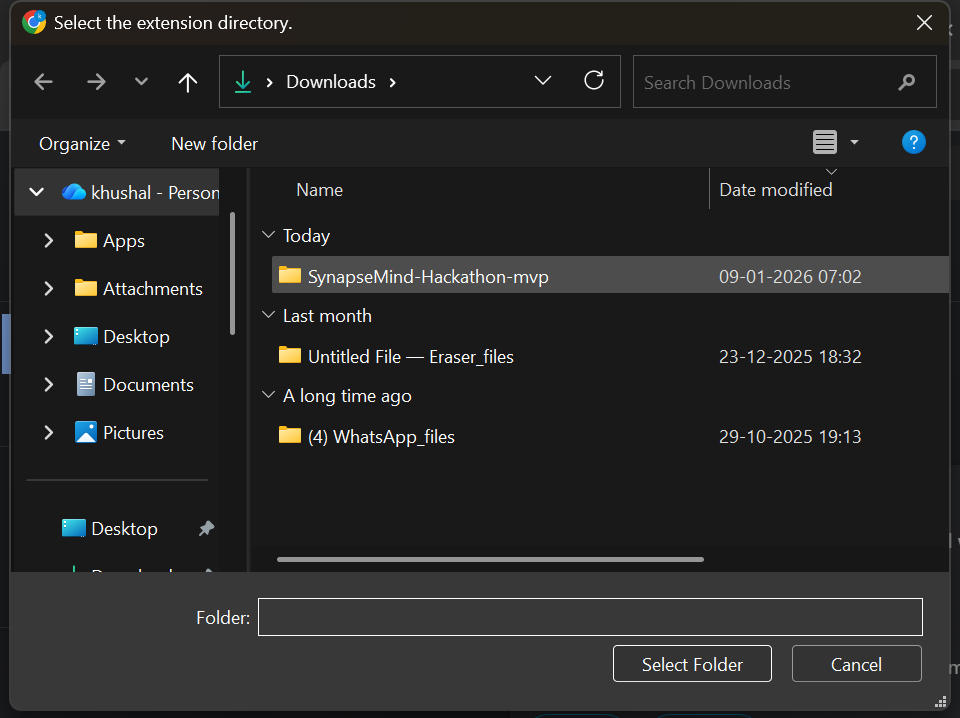
Click Load unpacked and select the extracted folder
Verify Installation
The extension should now appear in your extensions list and be enabled. You should also see its icon in the Chrome toolbar.
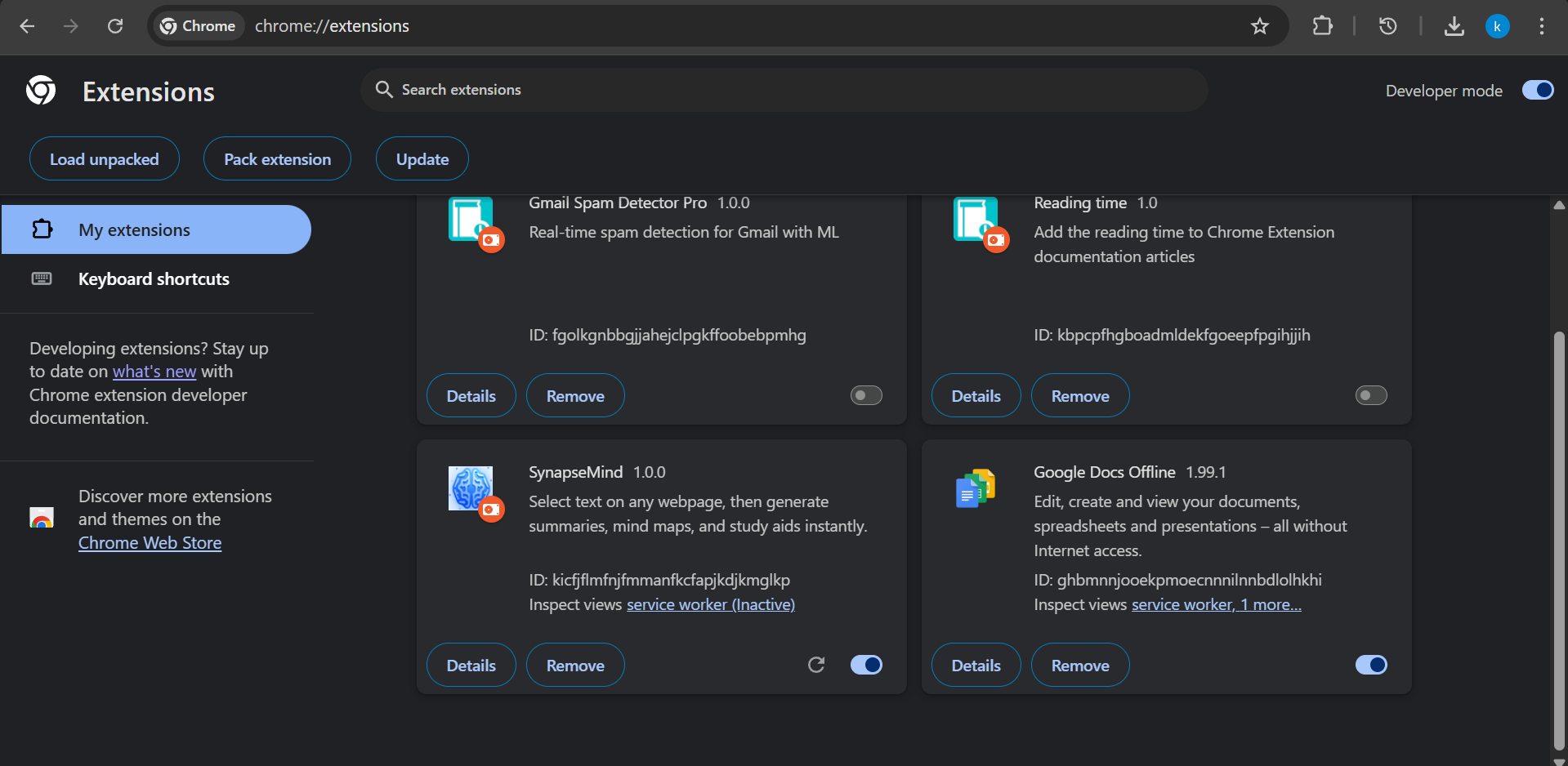
Extension successfully installed and running
Troubleshooting
Extension not showing?
Make sure Developer Mode is enabled on the extensions page.
Getting an error when loading?
Ensure you selected the correct folder (the one containing the manifest.json file).
Can't extract the ZIP file?
Use software like 7-Zip, WinRAR, or the built-in Windows/Mac extraction tools.